
This document primarily provides safety precautions and usage restrictions for the product, including avoiding phone usage while driving, complying with regulations and warnings, using only compatible accessories, turning off the phone near medical equipment, disabling wireless functions on aircraft, protecting batteries and chargers from damage, and handling the phone carefully and sensibly.
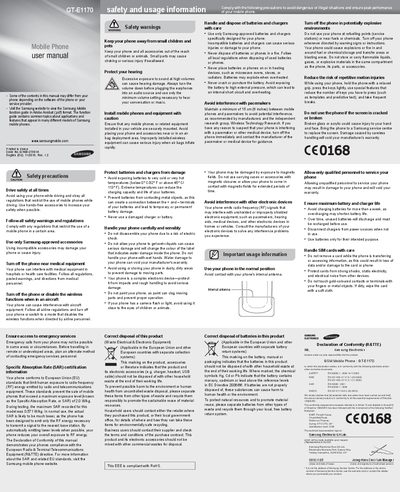
This manual covers important safety precautions for using the Samsung GT‑E1170, including warnings about driving, aircraft, medical equipment, and explosive environments. It also details SAR certification, battery handling, and proper disposal of the device and its accessories.
The guide explains the phone’s layout and basic functions such as turning the device on/off, navigating menus, making calls, sending SOS messages, using the torch light, and managing contacts, alarms, and messages. Step‑by‑step instructions are provided for each operation.
| Maximum SAR (recorded) | 0.571 W/kg |
|---|---|
| Battery temperature operating range | -0 °C to 45 °C (32 °F to 113 °F) |
| Maximum continuous charging time | 1 week |
Press and hold the # key, then enter your PIN and press OK if required.
The maximum SAR recorded for the GT‑E1170 is 0.571 W/kg, well below the EU limit of 2.0 W/kg.
In idle mode, press and hold the navigation key up to turn the torch light on; press Back or the appropriate key to turn it off.