
This is an instruction manual for a digital video camcorder. It details the product's features, appearance, and usage.
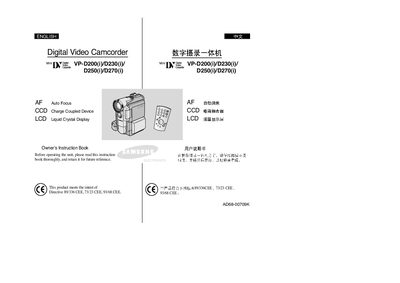
This manual covers the Samsung VP-D200, VP-D230, VP-D250 and VP-D270 digital video camcorders. It introduces the camcorder’s features, accessories, and basic handling procedures.
Key sections include safety and handling instructions, LCD screen rotation, battery installation, recording and playback functions, memory‑stick usage, maintenance, and a troubleshooting guide to resolve common issues.
| Battery type | Lithium |
|---|---|
| Memory media | Memory Stick |
| Power source | AC Power adapter and DC Cable |
Rotate the LCD screen carefully as illustrated; over‑rotation may damage the hinge.
Clean the video heads with a dry‑type cleaning cassette; do not use a wet‑type cassette.
Turn the camcorder off and, if left idle for more than five minutes, it will automatically power down to protect the battery.