
VP-D200(i)/D230(i)/D250(i)/D270(i) is the VP series digital camera
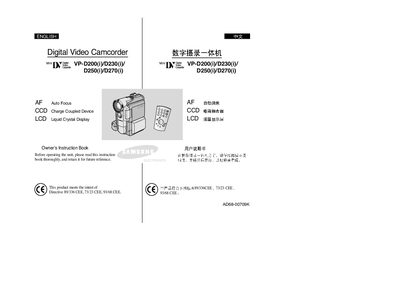
This manual provides safety instructions, setup steps, and operating guidance for Samsung's VP‑D200, D230, D250 and D270 digital camcorders. It covers basic and advanced recording functions, battery handling, remote‑control usage, and maintenance procedures.
The document also includes troubleshooting tips, specifications, and an index for quick reference, helping users get the most out of their camcorder in various recording scenarios.
| Focus type | Auto Focus (AF) |
|---|---|
| Image sensor | CCD (Charge Coupled Device) |
| Display | LCD (Liquid Crystal Display) |
Rotate the LCD screen carefully as illustrated; over‑rotation may damage the hinge inside the camcorder.
Clean the video heads with a dry‑type cleaning cassette; do not use a wet‑type cassette as it may cause damage.
Fully charge the battery pack before starting to record and keep the camcorder turned off when not in use to preserve battery power.