
Key facts
- Brand
- Philips
- Model
- CD2950
- Category
- Telephone
- Industry
- Electronics
- Documents
- 2
- Languages
- NO · FR
- Last added
- 2026-11-26
Start here
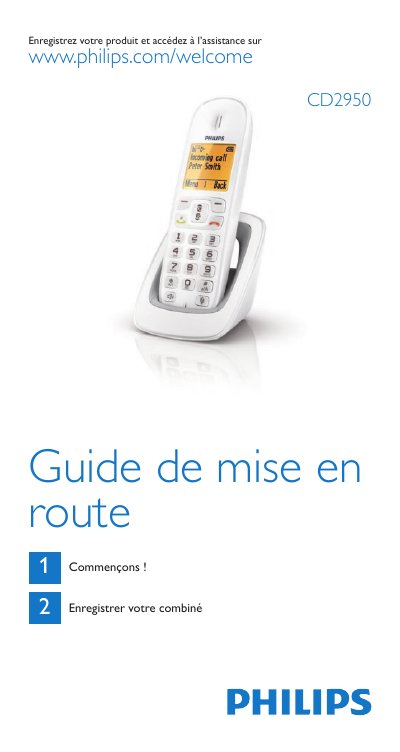
Philips CD2950 Telephone Quick Start Guide
This French quick start guide (Guide de mise en route) for the Philips CD2950 telephone walks through first-time setup. It lists the box contents — charger, power adapter, handset, and the user manual, quick start guide and warranty — and shows how to connect the power adapter to the DC input at the back of the charger and to the wall socket. The handset must be charged for 8 hours before first use, and the tab at the back of the handset has to be removed before charging.
The guide then covers placing the handset on the base or charger and reading the battery level icons, setting the country and language when prompted, and setting the date and time (including am/pm for the 12-hour format). A second section explains handset registration: a base can register a maximum of 4 handsets, either automatically by placing the unregistered handset on the base or manually through Menu > Services > Souscrire with the system PIN, whose default value is 0000, while holding the button on the base for 5 seconds. This manual is written in French.
Philips CD2950 specifications
| Operating Temperature | 0 to 40 °C (up to 90 % relative humidity) |
|---|---|
| Storage Temperature | -20 to +45 °C (up to 95 % relative humidity) |
| Power Supply | 100–240 volt AC |
All Philips CD2950 documents by type
Day-to-day operation, settings and troubleshooting. Start here if the product is already set up.
The shortest path to a working setup, usually only a few pages.
Questions answered in these manuals
How do I charge the handset?
Place the handset in the charger; a confirmation sound indicates successful connection. Charge for 8 hours before first use.
How do I check the battery level?
The battery icon on the screen shows the level: full, medium, or low. When not docked, lines indicate level; blinking indicates low battery.
How long should the handset be charged before first use?
Charge the batteries for 8 hours before using the telephone for the first time.
How many handsets can be registered to the base?
The base can register a maximum of 4 handsets.