
Key facts
- Brand
- Philips
- Model
- CID3687
- Category
- Other Electronics
- Documents
- 2
- Languages
- ZH
- Last added
- 2012-03-27
Start here
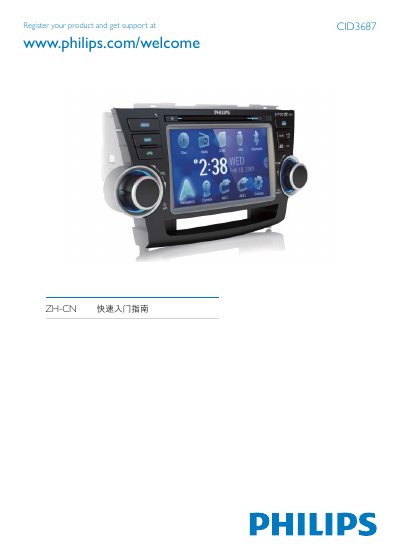
Philips CID3687 Car Entertainment System Quick Start Guide
The guide explains the installation steps for the CID3687, including checking and connecting the vehicle wiring, securing the mounting brackets, and sliding the unit into the dashboard. After reconnecting the battery, the device can be powered on by holding the /MUTE/VOL button.
It then details basic operation such as setting date and time, using the built‑in navigation map, listening to FM/AM radio, playing DVDs, CDs, USB or SD media, and making Bluetooth phone calls by pairing the phone with the unit (default PIN 0000). This manual is written in Chinese.
All Philips CID3687 documents by type
Day-to-day operation, settings and troubleshooting. Start here if the product is already set up.
The shortest path to a working setup, usually only a few pages.
Questions answered in these manuals
Where can I register my Philips product and get support?
Register your product and get support at www.philips.com/welcome.
What document number is shown on this manual?
The document number is CID3687.
How do I turn on the CID3687?
Press and hold the /MUTE/VOL button to power on the unit.
From: Philips CID3687 Car Entertainment System Quick Start Guide
How do I pair a phone via Bluetooth?
Enable Bluetooth on the phone, search for devices, select "CID3687" from the list, and enter the default PIN 0000.
From: Philips CID3687 Car Entertainment System Quick Start Guide