
Key facts
- Brand
- Philips
- Model
- Brilliance 7000 27B1U7903
- Category
- Monitors
- Industry
- Electronics
- Documents
- 2
- Languages
- RO · ZH
- Last added
- 2026-11-26
Start here
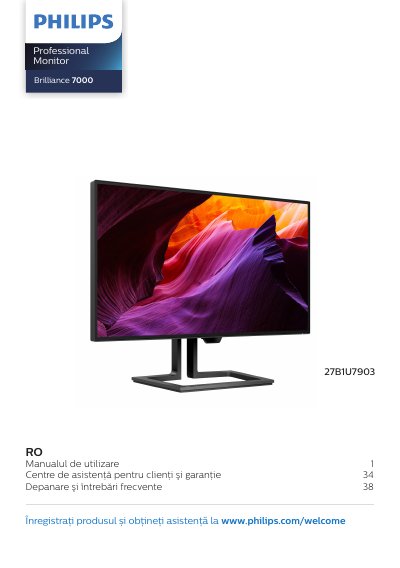
Philips Brilliance 7000 27B1U7903 Professional Monitor User Manual
This user manual provides comprehensive guidance for the Philips Brilliance 7000 27B1U7903 professional monitor. It includes safety measures and maintenance, installation instructions, image optimization features such as SmartImage and SmartContrast, Thunderbolt and USB-C connectivity options, the PowerSensor sensor for energy savings, and chain connection functionality. The document also covers projections for preventing computer vision syndrome and technical specifications.
Read onlinePhilips Brilliance 7000 27B1U7903 specifications
| Resolution and preset modes | See section 8.1 |
|---|---|
| Energy management | See section 9 |
| HDR support | See section 3.6 |
| Adaptive Sync | See section 3.5 |
| LightSensor | See section 3.4 |
Source: Philips Brilliance 7000 27B1U7903 Professional Monitor User Manual
All Philips Brilliance 7000 27B1U7903 documents by type
Day-to-day operation, settings and troubleshooting. Start here if the product is already set up.
Questions answered in these manuals
How to prevent image retention on the monitor?
Always activate a dynamic screen saver when leaving the monitor unattended and use a periodic screen application application when displaying static content to prevent permanent image retention.
From: Philips Brilliance 7000 27B1U7903 Professional Monitor User Manual
What are the power sensor features?
The PowerSensor sensor helps save energy by detecting user presence; the monitor should be placed in an environment with temperature 0-35°C and humidity 20-80% RH.
From: Philips Brilliance 7000 27B1U7903 Professional Monitor User Manual
Can the monitor be disposed of with normal household waste?
No, it must be disposed of through a designated waste electrical and electronic equipment collection.