
Key facts
- Brand
- Philips
- Model
- SBM100
- Industry
- Electronics
- Documents
- 2
- Languages
- EN · ES
- Last added
- 2026-11-26
Start here
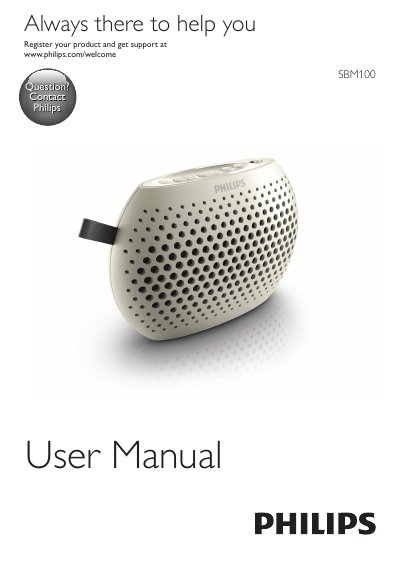
Philips SBM100 Portable Speaker User Manual
This manual provides step-by-step instructions for using the Philips SBM100 portable speaker. It covers powering the device, selecting audio sources, playing music from Micro SD cards or FM radio, connecting external devices, and adjusting volume. The guide also includes troubleshooting tips and product specifications such as dimensions, battery type, and input/output details.
Safety and usage guidelines are included, including warnings about battery handling, avoiding water exposure, and hearing safety when using headphones.
Philips SBM100 specifications
| Amplifier Signal to Noise Ratio | >50 dB |
|---|---|
| Aux Input | 600 mV RMS, 22 kohm |
| Tuner (FM) Tuning Range | 87.5-108.0 MHz |
| Power supply | 5 V 0.6 A; Built-in battery Lithium battery |
| Dimensions - Main Unit (W x H x D) | 107 x 71 x 36 mm |
| Weight - Main Unit | 0.1 kg |
All Philips SBM100 documents by type
Day-to-day operation, settings and troubleshooting. Start here if the product is already set up.
Questions answered in these manuals
How do I turn the speaker on or off?
Slide the power switch to the right to turn it on, or to the left to turn it off.
How do I select an audio source?
Press the S button repeatedly to select between Micro SD card, FM tuner, or Aux input.
How do I charge the Philips SBM100 battery?
Connect the supplied USB cable to the speaker's DC 5V socket and a computer USB socket. The power indicator lights during charging and turns off when the battery is fully charged.
How do I select an audio source?
Press S repeatedly to select micro SD card, FM tuner, or auxiliary source.