
User guide for Philips CD2950 telephone with setup, call handling, and settings instructions in Norwegian.
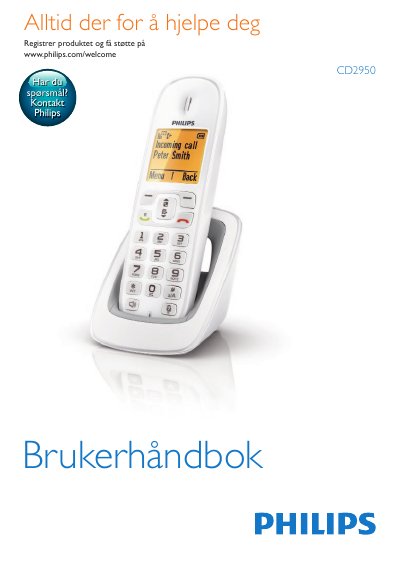
This manual provides step-by-step instructions for setting up and using the Philips CD2950 telephone. It covers connecting the handset, charging, making and receiving calls, adjusting volume, and configuring settings like language and time. Safety precautions and battery care are also detailed.
The guide includes sections on intercom and conference calls, call management during active conversations, and technical specifications such as voltage requirements and operating temperature ranges.
| Operating Temperature | 0 to 40 °C (up to 90 % relative humidity) |
|---|---|
| Storage Temperature | -20 to +45 °C (up to 95 % relative humidity) |
| Power Supply | 100–240 volt AC |
Place the handset in the charger; a confirmation sound indicates successful connection. Charge for 8 hours before first use.
The battery icon on the screen shows the level: full, medium, or low. When not docked, lines indicate level; blinking indicates low battery.