
Key facts
- Brand
- Philips
- Model
- SPF1017 SPF1027
- Category
- Home Speakers
- Industry
- Electronics
- Documents
- 3
- Languages
- NO · EN · ZH
- Last added
- 2026-11-26
Start here
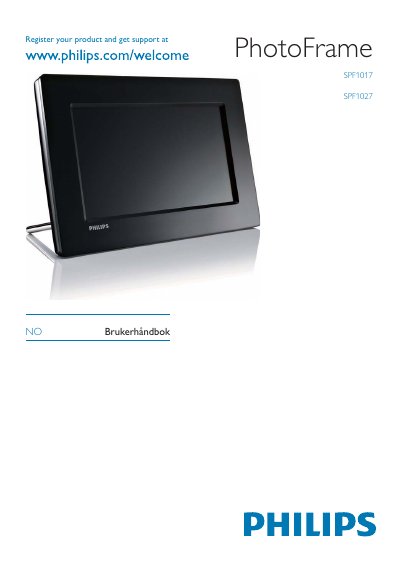
Philips PhotoFrame SPF1017 SPF1027 User Manual
The Philips PhotoFrame SPF1017 and SPF1027 user manual details product registration, installation, and basic operation for the digital photo frame.
The manual covers setup procedures, including installing the stand, connecting power, linking storage devices, and transferring images from a PC or Mac. It also explains display modes, image management, clock settings, and safety precautions for indoor use.
All Philips SPF1017 SPF1027 documents by type
Day-to-day operation, settings and troubleshooting. Start here if the product is already set up.
Questions answered in these manuals
How do I register my product?
Register your product at www.philips.com/welcome to access support and materials.
What should I do before cleaning the screen?
Turn off the PhotoFrame and unplug it from the power source before cleaning.
How do I change the language on the PhotoFrame?
Open the Setup Menu, select Language, and choose your preferred language.
How can I enable the Auto Dim feature?
In the Setup Menu go to Auto Dim and turn the Auto ON/OFF switch on.
How to turn off the digital photo frame?
Press and hold the 9 button to turn off the frame.
From: Philips SPF1017/SPF1027 Digital Photo Frame User Manual
Is the product allowed to be used outdoors?
The product can only be used indoors.
From: Philips SPF1017/SPF1027 Digital Photo Frame User Manual