
French quick start guide for the Philips CD2950 telephone: package contents, charging the handset, phone settings and registering handsets.
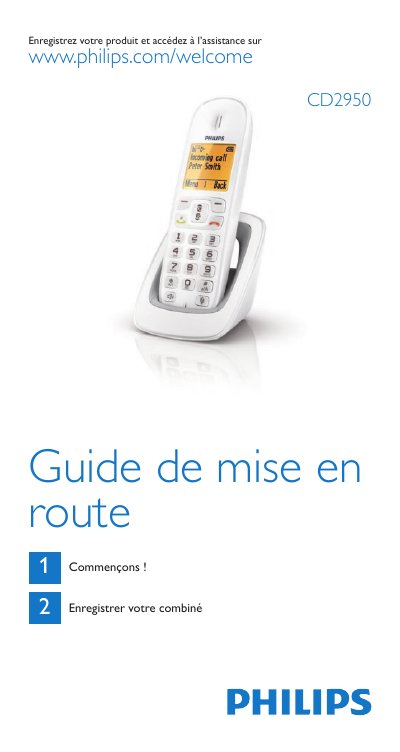
This French quick start guide (Guide de mise en route) for the Philips CD2950 telephone walks through first-time setup. It lists the box contents — charger, power adapter, handset, and the user manual, quick start guide and warranty — and shows how to connect the power adapter to the DC input at the back of the charger and to the wall socket. The handset must be charged for 8 hours before first use, and the tab at the back of the handset has to be removed before charging.
The guide then covers placing the handset on the base or charger and reading the battery level icons, setting the country and language when prompted, and setting the date and time (including am/pm for the 12-hour format). A second section explains handset registration: a base can register a maximum of 4 handsets, either automatically by placing the unregistered handset on the base or manually through Menu > Services > Souscrire with the system PIN, whose default value is 0000, while holding the button on the base for 5 seconds. This manual is written in French.
| Maximum handsets per base | 4 |
|---|---|
| Charging time before first use | 8 hours |
| Default system PIN | 0000 |
| Registration time | Less than 2 minutes |
Charge the batteries for 8 hours before using the telephone for the first time.
The base can register a maximum of 4 handsets.
The default PIN is 0000.
Place the unregistered handset on the base; it detects the base and registers automatically.