
Panasonic KV-S1045C High Speed Color Scanner Operating Manual

This manual explains the operation of the Panasonic KV-S1045C High Speed Color Scanner. It covers the scanner's components, operations, features, and maintenance.
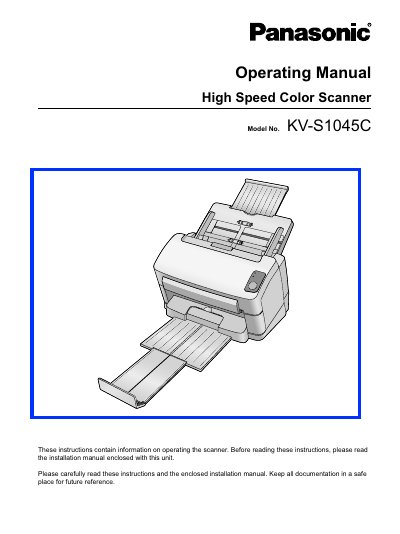

Panasonic KV-S1045C High Speed Color Scanner Operating Manual - cover page
Brand
Panasonic
Category
Scanner
Document type
User Manual
Language
English
Pages
51
File format
PDF
File size
1.3 MB
Published
08 August, 2012
Updated
30 September, 2023
MD5 checksum
5DED2543CD8A3D45BDAA4EF21570A2A4

About this manual

This document serves as the Operating Manual for the Panasonic KV-S1045C High Speed Color Scanner. It provides instructions on operating the scanner, including part names, features, and maintenance procedures. Users are advised to read the enclosed Installation Manual first for setup procedures.

What's inside

  • Before You Start
  • For Your Safety
  • Location of Controls
  • Turning on the Scanner
  • Starting the Scanner Applications Automatically
  • Setting the Event
  • Preparing Documents
  • Scanning Documents
  • Care and Maintenance
  • Troubleshooting

Specifications

Operating SystemWindows 2000 / Windows XP / Windows Vista
InterfaceUSB 2.0
Memory Requirement256 MB or higher
Hard Disk Space5 GB or more free space

Frequently asked questions

What operating systems are supported?

The scanner supports Windows 2000, Windows XP, and Windows Vista.

What interface is required for the scanner?

A USB 2.0 interface is required, though USB 1.1 is slower.

What is the minimum memory requirement?

The host computer requires 256 MB or higher of memory.

Download PDF (1.3 MB)

More Panasonic Manuals


View all Panasonic manuals →