
KV-S1045C color scanner user manual, introduces the scanner's component names, operation, functions and maintenance
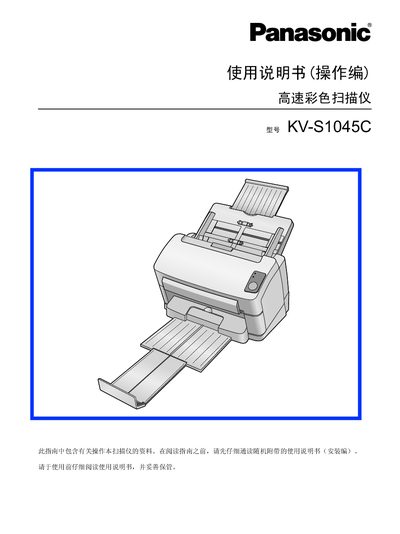
This manual covers the Panasonic KV‑S1045C high‑speed color scanner, describing its features, required accessories, and intended use. It begins with safety warnings and proper handling procedures to prevent injury or damage.
The document is organized into sections for installation, operation, part replacement, troubleshooting, and technical specifications. It also includes references to software utilities and cleaning instructions for the scanner’s deep‑tube system. This manual is written in Chinese.
| CPU | Pentium* 1 GHz or above |
|---|---|
| Memory | 256 MB or above |
| Interface | USB 2.0 |
| Operating System | Windows 2000 / Windows XP / Windows Vista |
| Hard Disk | S GB or more |
Read all safety warnings, keep the unit away from water, metal objects, heat sources, and never touch internal components with wet hands.
The scanner works with Windows 2000, Windows XP, and Windows Vista.
Use only approved cleaning solutions, avoid solvents such as gasoline, wear gloves, and do not exceed 40 °C during cleaning.