
Key facts
- Brand
- Olympus
- Model
- D-435
- Category
- Digital cameras
- Industry
- Electronics
- Documents
- 2
- Languages
- PT · ZH
- Last added
- 2012-05-09
Start here
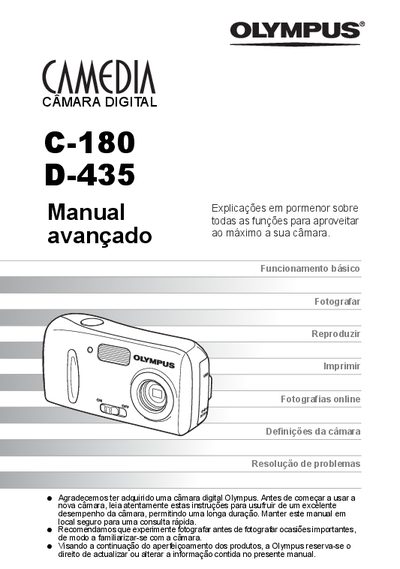
Olympus C-180 D-435 User Manual
This manual explains how to use the Olympus C-180 and D-435 digital cameras, covering basic functions such as taking photos, viewing images, and printing. It also includes advanced tips, menu navigation, language selection, and safety information.
The guide describes connecting the camera to a computer with Olympus Master, using the direct‑print (PictBridge) feature, and troubleshooting common error codes. An appendix and miscellaneous sections provide additional reference material. This manual is written in Portuguese.
All Olympus D-435 documents by type
Day-to-day operation, settings and troubleshooting. Start here if the product is already set up.
Questions answered in these manuals
How do I switch the camera between photo and playback modes?
Press the photo button to enter photo mode and the playback button to view images; you can also press (+) to return to photo mode.
How can I print photos directly from the camera?
Use the direct‑print (PictBridge) function, which allows printing without a computer.
How do I switch between shooting mode and playback mode?
Press the (@) button to return to shooting mode or the (+) button to activate playback mode.
How do I turn the camera on and off?
Slide the power switch to the ON position to power on, and to the OFF position to power off the camera.