
Key facts
- Brand
- Olympus
- Model
- TG-310
- Category
- Digital cameras
- Industry
- Electronics
- Documents
- 3
- Languages
- EN
- Last added
- 2012-06-08
Start here
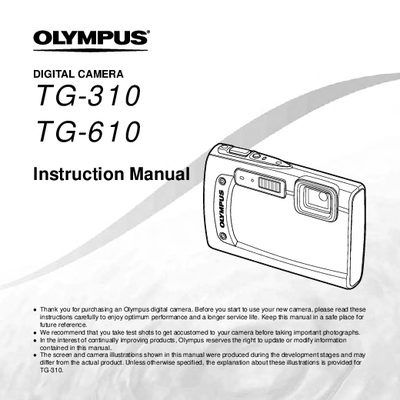
Olympus TG-310/TG-610 Digital Camera Instruction Manual
This document is the official user guide for the Olympus TG-310 and TG-610 digital cameras. It provides comprehensive instructions on preparing the camera, including checking box contents and initial settings. The manual details how to operate the device using direct buttons, the arrow pad, joystick (TG-610), and various menu systems.
Read onlineAll Olympus TG-310 documents by type
Day-to-day operation, settings and troubleshooting. Start here if the product is already set up.
Questions answered in these manuals
What is the purpose of taking test shots before photographing important events?
You should take test shots to get accustomed to your camera before taking important photographs.
How can you access frequently used functions without using the menu?
Frequently used functions can be accessed using the direct buttons on the camera.
What is the recommended procedure before taking important photographs?
You should take test shots to get accustomed to your camera.
From: Olympus TG-310/TG-610 Digital Camera Instruction Manual
How long are Olympus technical customer support hours in Europe?
Support is available from 9 am to 6 pm MET, Monday through Friday.
From: Olympus TG-310/TG-610 Digital Camera Instruction Manual
What is the recommended procedure before taking important photographs?
You should take test shots to get accustomed to your camera.
From: Olympus TG-310/TG-610 Digital Camera Instruction Manual
When can you operate the TG-610 by tapping its body?
This is possible when [Tap Gontral] is set to [On].
From: Olympus TG-310/TG-610 Digital Camera Instruction Manual