
Key facts
- Brand
- Olympus
- Model
- D-380
- Category
- Digital cameras
- Industry
- Electronics
- Documents
- 3
- Languages
- EN · JA
- Last added
- 2012-06-08
Start here
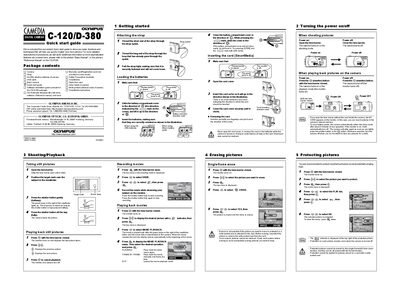
Olympus C-120/D-380 Digital Camera Quick Start Guide
The Quick Start Guide introduces the Olympus C-120/D-380 digital camera and lists the package contents, including the camera, strap, batteries, USB cable, and software. It walks you through essential first‑time tasks such as attaching the strap, loading the AA batteries, and inserting a SmartMedia card.
The guide then explains core functions: shooting still pictures, playing back images, recording and playing back movies, erasing and protecting pictures, and using the various menu tabs for settings, drive modes, and image adjustments. It serves as a concise reference for getting the camera up and running quickly.
Olympus D-380 specifications
| Model | C-120/D-380 |
|---|---|
| Supported storage media | SmartMedia |
| CE marking | CE |
| FCC compliance | FCC |
Source: Olympus C-120/D-380 User Manual
All Olympus D-380 documents by type
Day-to-day operation, settings and troubleshooting. Start here if the product is already set up.
The shortest path to a working setup, usually only a few pages.
Questions answered in these manuals
How do I attach the strap to the camera?
Thread the short end of the strap through the strap eyelet, then thread the long end through the loop already in the eyelet and pull tight.
How do I load the batteries?
Open the battery compartment cover, insert four AA alkaline batteries with the correct polarity, and close the cover until it clicks.
How do I set the date and time?
Select the "設定日期和時間" option in the menu to adjust the camera’s date and time settings.
How do I format the SmartMedia card?
Choose the "格式化" (format) option in the menu to format the SmartMedia card.