
Key facts
- Brand
- Olympus
- Model
- D-545
- Category
- Digital cameras
- Industry
- Electronics
- Documents
- 3
- Languages
- ZH · EN
- Last added
- 2012-06-08
Start here
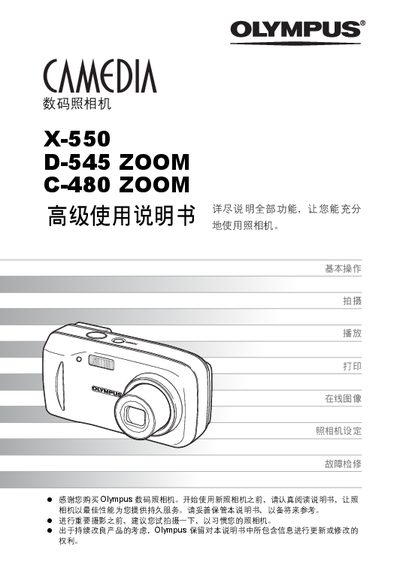
Olympus X-550 / D-545 ZOOM / C-480 ZOOM User Manual
This manual guides users through the basic operation of Olympus digital cameras, covering essential functions such as shooting, playback, and image printing. It also explains how to adjust settings, use the camera's zoom and flash features, and connect the camera to a computer.
Additional sections include advanced shooting techniques, troubleshooting tips, and detailed instructions for using Olympus Master software and PictBridge direct printing. The appendix provides a parts list, error codes, and service information. This manual is written in Chinese.
All Olympus D-545 documents by type
Day-to-day operation, settings and troubleshooting. Start here if the product is already set up.
Questions answered in these manuals
How can I print images directly from the camera?
Use the direct printing (PictBridge) function to print images without a computer.
How do I connect the camera to a computer?
Install and use Olympus Master software to connect the camera to a PC and transfer images.
What should I do if the camera gets wet or is dropped in water?
Stop using the camera, let it dry, remove the batteries, and contact an authorized Olympus service center.
From: Olympus X-550/D-545 Zoom/C-480 Zoom Digital Camera User Manual
Can I use any AC adapter with the camera?
No, only the AC adapter specified by Olympus should be used.
From: Olympus X-550/D-545 Zoom/C-480 Zoom Digital Camera User Manual