
Key facts
- Brand
- Olympus
- Model
- D-550
- Category
- Digital cameras
- Industry
- Electronics
- Documents
- 3
- Languages
- JA
- Last added
- 2012-06-08
Start here
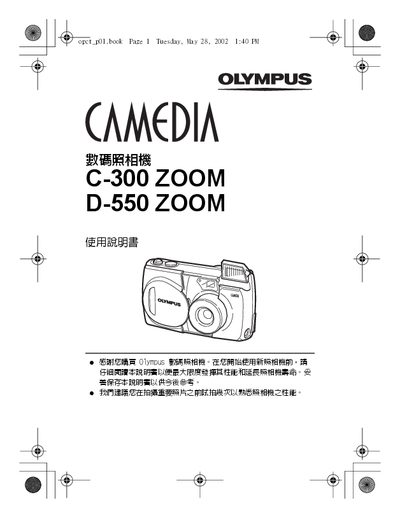
Olympus C-300 ZOOM / D-550 ZOOM User Manual
User Manual 148 pages · 9.7 MB · JA
The manual explains safe handling, CE and FCC compliance, and basic camera operation such as power‑on, battery installation, and SmartMedia card handling. It also includes a quick reference for setting the date, time, and exposure modes.
Later chapters cover image‑quality adjustments, playback functions, printing settings, and a troubleshooting guide for common problems. Technical details such as video‑out, DC‑IN/USB ports, and SmartMedia support are listed in the specifications section. This manual is written in Japanese.
Olympus D-550 specifications
| Video Out port | Available |
|---|---|
| DC‑IN / USB ports | Available |
| SmartMedia card slot | Supported |
All Olympus D-550 documents by type
User Manual 3
Day-to-day operation, settings and troubleshooting. Start here if the product is already set up.
Questions answered in these manuals
How do I print photos directly from the camera?
Refer to Chapter 7, “印相設定”, which explains the printing setup and how to send images to a printer.