
Key facts
- Brand
- Olympus
- Model
- FE-190
- Category
- Digital cameras
- Industry
- Electronics
- Documents
- 3
- Languages
- EN
- Last added
- 2012-06-08
Start here
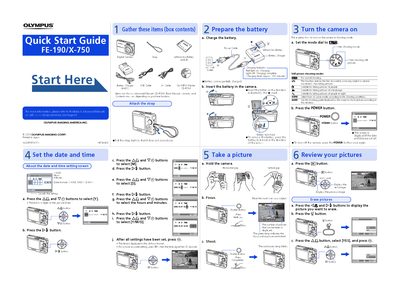
Olympus FE-190/X-750 Quick Start Guide
This document serves as a quick start guide for the Olympus FE-190/X-750 digital camera. It provides essential information on setting up the device, including gathering items from the box, preparing the lithium-ion battery by charging it, and configuring the date and time settings using the control buttons.
The guide also explains how to operate the camera in shooting mode, select various still picture modes such as Normal, Sports, Portrait, Landscape, Night Scene, Scene, and Guide. It details the process of taking a picture, reviewing images on the screen, and erasing pictures from the memory card.
All Olympus FE-190 documents by type
Day-to-day operation, settings and troubleshooting. Start here if the product is already set up.
The shortest path to a working setup, usually only a few pages.
Questions answered in these manuals
What is included in the box contents?
The box contains a strap, lithium ion battery (LI-42B), battery charger (LI-40C), USB cable, AV cable, OLYMPUS Master CD-ROM, and this manual.
From: Olympus FE-190/X-750 Digital Camera Advanced Quick Start Guide
What happens when the red light on the charger turns off?
A light-off status indicates that the charging process is complete.
From: Olympus FE-190/X-750 Digital Camera Advanced Quick Start Guide
How long does it take to charge the battery?
The charging time is approximately 300 minutes.
What do the date format options mean?
The camera supports three date formats: Year-Month-Day (Y-M-D), Month-Day-Year (M-D-Y), and Day-Month-Year (D-M-Y).