
Key facts
- Brand
- Olympus
- Model
- C-510
- Category
- Digital cameras
- Industry
- Electronics
- Documents
- 2
- Languages
- EN
- Last added
- 2012-06-08
Start here
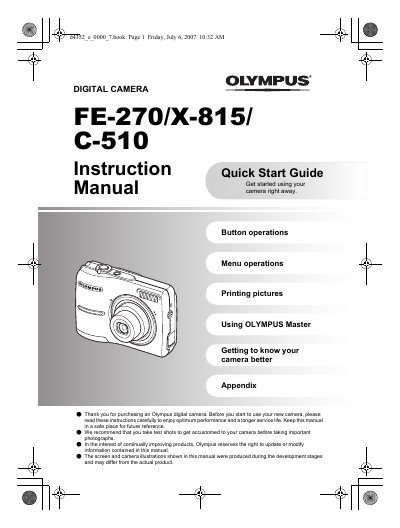
Olympus FE-270/X-815/C-510 Digital Camera Instruction Quick Start Guide Manual
This document serves as an instruction and quick start guide for the Olympus FE-270/X-815/C-510 series of digital cameras. It details how to gather box contents, prepare the camera with batteries and xD-Picture Cards, and turn on the device in shooting mode.
Read onlineAll Olympus C-510 documents by type
Day-to-day operation, settings and troubleshooting. Start here if the product is already set up.
Questions answered in these manuals
Can I take pictures without inserting an xD-Picture Card?
Yes, you can take pictures without inserting the optional xD-Picture Card; if you do not insert the card, the pictures will be stored in the internal memory.
From: Olympus FE-270/X-815/C-510 Digital Camera Instruction Quick Start Guide Manual
How do I turn off the camera?
To turn off the camera, press the POWER button once again after it has been turned on.
From: Olympus FE-270/X-815/C-510 Digital Camera Instruction Quick Start Guide Manual
How do I turn off the camera?
Press the POWER button once again.
From: Olympus FE-270/X-815/C-510 Digital Camera Instruction Quick Start Guide Manual
Can I take pictures without an xD-Picture Card?
Yes, pictures will be stored in the internal memory.
From: Olympus FE-270/X-815/C-510 Digital Camera Instruction Quick Start Guide Manual