
This manual provides detailed explanations of all the functions on your C-180 and D-435 digital camera.
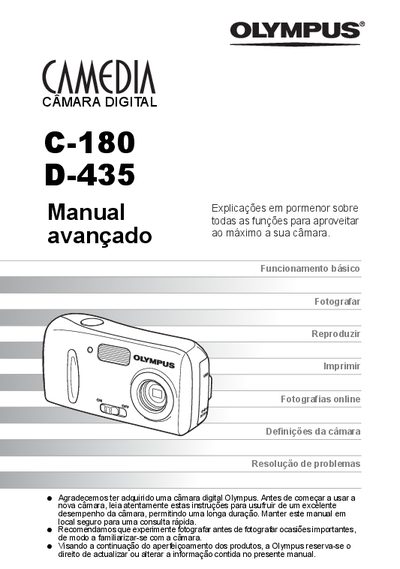
This manual explains how to use the Olympus C-180 and D-435 digital cameras, covering basic functions such as taking photos, viewing images, and printing. It also includes advanced tips, menu navigation, language selection, and safety information.
The guide describes connecting the camera to a computer with Olympus Master, using the direct‑print (PictBridge) feature, and troubleshooting common error codes. An appendix and miscellaneous sections provide additional reference material. This manual is written in Portuguese.
Press the photo button to enter photo mode and the playback button to view images; you can also press (+) to return to photo mode.
Use the direct‑print (PictBridge) function, which allows printing without a computer.
Install Olympus Master software and connect the camera via USB; the software lets you transfer, view, and print images.