
This is the Olympus C-180 D-435 digital camera user manual, which introduces the camera's basic operations, shooting, playback, printing and other functions
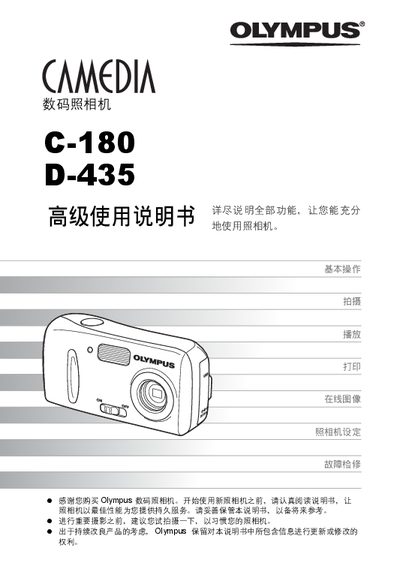
This manual provides step‑by‑step instructions for basic operation of the Olympus C‑180/D‑435 digital camera, including shooting modes, playback functions, and useful features such as exposure compensation and language selection. It also contains guidance on printing images directly from the camera and connecting the camera to a computer using Olympus Master.
Additional sections cover troubleshooting, error codes, and maintenance tips, helping users keep the camera in optimal condition. The document includes a detailed table of contents, quick reference pages, and an appendix with part names and service information. This manual is written in Chinese.
Press the (@) button to return to shooting mode or the (+) button to activate playback mode.
Slide the power switch to the ON position to power on, and to the OFF position to power off the camera.
Use the Direct Print (PictBridge) function to send images to a compatible printer.
Install and use Olympus Master software to transfer images and control the camera from a PC.