
Key facts
- Brand
- Olympus
- Model
- D-370
- Category
- Digital cameras
- Industry
- Electronics
- Documents
- 3
- Languages
- EN
- Last added
- 2012-06-08
Start here
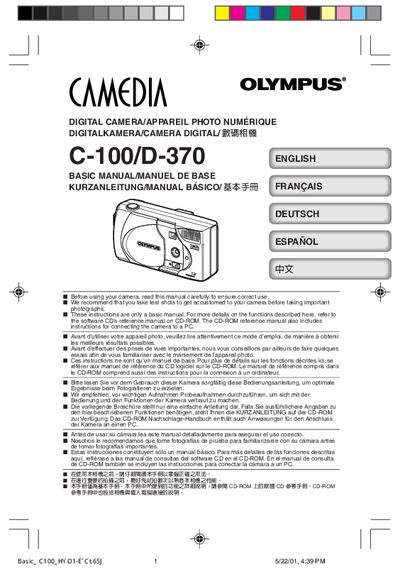
Olympus C-100/D-370 User Manual
This manual covers the essential steps to get started with the Olympus C-100/D-370 digital camera, including attaching the strap, loading batteries, and inserting a SmartMedia memory card. It also explains how to turn the camera on and off, adjust settings such as date, time, white balance, and exposure compensation, and how to record and playback images.
Safety notices, FCC compliance information, and troubleshooting tips such as the "NO CARD" display are included. Contact details for Olympus support in various regions are provided at the end of the document.
Olympus D-370 specifications
| Weight (without battery/card) | 190 g |
|---|---|
| Supported batteries | 4 × AA (alkaline, NiMH, Li‑Ion, NiCd) or 2 × CR‑V3 |
| ISO sensitivity (example) | ISO 100 |
Source: Olympus C-100/D-370 User Manual
All Olympus D-370 documents by type
Day-to-day operation, settings and troubleshooting. Start here if the product is already set up.
Questions answered in these manuals
How do I set the date and time on the camera?
Use the date and time setting function described in the setup section of the manual.
What type of memory card does the camera use?
The camera uses a SmartMedia card for storage.
How do I attach the strap to the camera?
Pass the short end of the strap through the strap eyelet, then pass the long end through the loop and pull tight.
What batteries does the C‑100/D‑370 use?
The camera can use four AA alkaline (or NiMH, Li‑Ion, NiCd) batteries or two CR‑V3 lithium battery packs.