
Key facts
- Brand
- Logitech
- Model
- C920
- Documents
- 4
- Languages
- EN
- Last added
- 2023-11-16
Start here
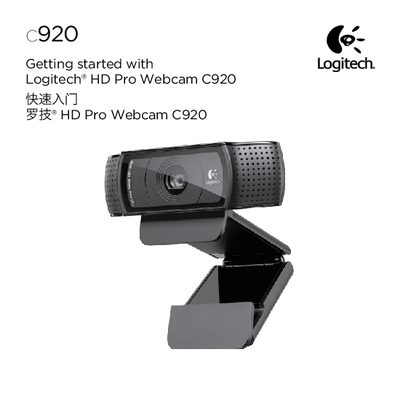
Logitech C920 Webcam QuickStart Guide
This guide helps you get your Logitech C920 webcam up and running quickly. It explains how to place the webcam on a monitor, desktop, or tripod, and shows how to install the Logitech Webcam Software and optional Logitech Vid HD software.
It also walks you through creating a Vid HD account, adding friends, and making test calls, plus provides an overview of the webcam software’s features such as picture/video capture, motion‑triggered recording, and basic video‑calling settings.
Logitech C920 specifications
| Lens | Carl Zeiss autofocus HD 1080p lens |
|---|---|
| Video Resolution | Full HD 1080p |
| Microphones | Two built-in microphones |
| Mounting | Flexible clip/base |
| Tripod Support | Tripod attachment |
All Logitech C920 documents by type
Day-to-day operation, settings and troubleshooting. Start here if the product is already set up.
Mounting, wiring and first power-up. Read it before the hardware goes in.
The shortest path to a working setup, usually only a few pages.
Questions answered in these manuals
What software is required for Windows 8?
The required software is downloaded automatically when you connect your webcam for the first time, provided you are connected to the Internet.
What software is required for Windows 7 or Vista?
You must install the Logitech Webcam Software available from logitech.com/downloads.
What video calling resolution does the Logitech HD Pro Webcam C920 provide?
It provides full HD 1080p video calling.
How many built-in microphones does the webcam have?
It has two built-in microphones.
Does the webcam come with a privacy shutter?
Yes, a privacy shutter is included and can be attached to the front of the camera.
From: Logitech C920s Pro HD Webcam Installation Guide for Windows 10
Is installation software included?
No, it is a plug-and-play device with no accompanying CD or USB drive.
From: Logitech C920s Pro HD Webcam Installation Guide for Windows 10