
Key facts
- Brand
- Logitech
- Model
- G102 G203 LIGHTSYNC
- Category
- Mouse keyboard
- Documents
- 2
- Languages
- EN · KO
- Last added
- 2023-11-22
Start here
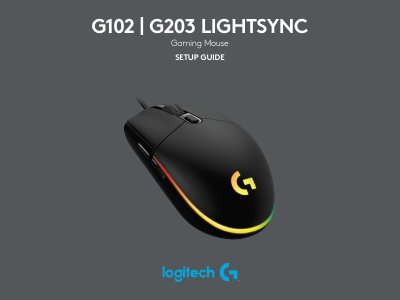
Logitech G102 G203 LIGHTSYNC Gaming Mouse Setup Guide
This document serves as a setup guide for the Logitech G102 and G203 LIGHTSYNC Gaming Mice. It details the initial configuration steps, including connecting the device via USB and installing the required Logitech G HUB software. The guide explains how to access and configure the fully programmable buttons found on the mouse.
Read onlineAll Logitech G102 G203 LIGHTSYNC documents by type
Day-to-day operation, settings and troubleshooting. Start here if the product is already set up.
Questions answered in these manuals
What is the first step to set up the mouse?
Plug the mouse into a USB port.
What is the second step to set up the mouse?
Download and install Logitech G HUB software from logitechG.com/GHUB.
Where do I download Logitech G HUB?
Download and install it from logitechG.com/GHUB.
From: Logitech G102 / G203 LIGHTSYNC Gaming Mouse User Manual
Can the lighting be synchronized with other Logitech G devices?
Yes, the lighting can be synchronized with other supported Logitech G devices using Logitech G HUB software.
From: Logitech G102 / G203 LIGHTSYNC Gaming Mouse User Manual