
Key facts
- Brand
- Logitech
- Model
- C160
- Category
- Mouse keyboard
- Industry
- Computers
- Documents
- 2
- Languages
- EN
- Last added
- 2012-05-07
Start here
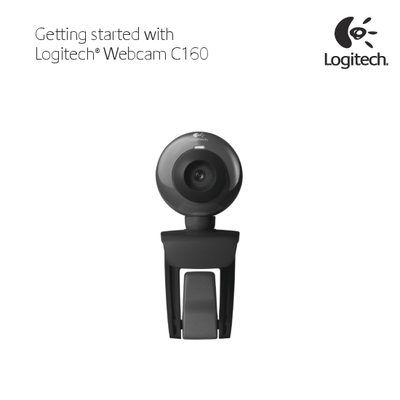
Logitech C160 Webcam User Manual
This manual guides you through the initial setup of the Logitech C160 webcam, including hardware placement, software installation, and basic operation. It also provides instructions for using Logitech Vid HD for video calling and tips for testing and adjusting the camera.
Key sections cover setting up the webcam, creating a Logitech Vid HD account, adding friends, testing focus, and navigating the Logitech Webcam Software to capture photos, record videos, and adjust settings.
Logitech C160 specifications
| Video calling resolution | 640 x 480 pixels |
|---|---|
| Video capture resolution | 640 x 480 pixels |
| Photo resolution | 1.3 megapixels (software enhanced) |
| Built‑in microphone | Logitech RightSound™ technology |
| USB interface | Hi‑Speed USB 2.0 (recommended) |
| Mounting clip | Universal clip fits laptops, LCD or CRT monitors |
| Snapshot button | Yes |
| Focus type | Manual focus |
Source: Logitech C160 Webcam User Guide
All Logitech C160 documents by type
Day-to-day operation, settings and troubleshooting. Start here if the product is already set up.
Questions answered in these manuals
What is included in the Logitech C160 webcam package?
The package contains the webcam with a 1.5‑metre cable, Logitech Vid™ HD software, user documentation, and a 2‑year manufacturer’s guarantee.
Does the Logitech C160 webcam have a built‑in microphone?
Yes, it includes a built‑in microphone featuring Logitech RightSound™ technology.
How do I set up the Logitech C160 webcam?
Place the webcam on a surface, connect it to the computer, and install the Logitech Webcam Software as described in the setup section.
How do I install Logitech Vid HD for video calling?
Run the Logitech Vid HD installer that comes with the webcam, follow the on‑screen prompts, and create a Vid HD account to enable video calls.