
The Logitech HD Pro Webcam C920 is a high-definition webcam with 1080p resolution and a Carl Zeiss autofocus lens. It also features a built-in microphone and an activity light.
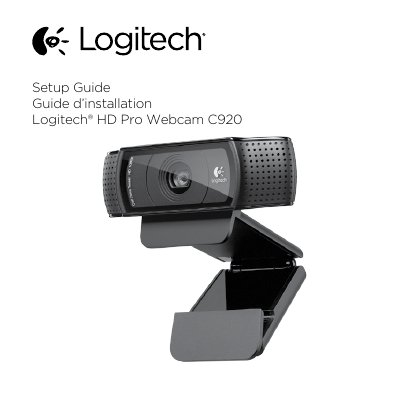
This document is a setup guide for the Logitech HD Pro Webcam C920. It provides instructions on how to physically mount the webcam on a monitor, desktop, or tripod, and how to connect it via USB. The guide covers the installation of the required software for Windows 8, Windows 7, and Windows Vista, noting that Windows 8 users may have the software download automatically.
| Lens | Carl Zeiss autofocus HD 1080p lens |
|---|---|
| Video Resolution | Full HD 1080p |
| Microphones | Two built-in microphones |
| Mounting | Flexible clip/base |
| Tripod Support | Tripod attachment |
The required software is downloaded automatically when you connect your webcam for the first time, provided you are connected to the Internet.
You must install the Logitech Webcam Software available from logitech.com/downloads.
Supported applications include Skype, Yahoo! Messenger, Windows Live Messenger, and Gmail.