
Key facts
- Brand
- Logitech
- Model
- K800
- Documents
- 2
- Languages
- EN
- Last added
- 2026-11-04
Start here
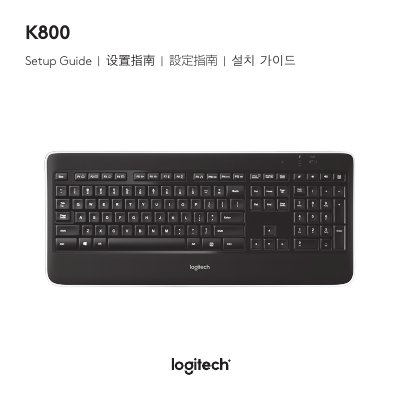
Logitech K800 Keyboard Setup Guide
User Manual 27 pages · 4.5 MB · EN
This guide explains how to set up and use the Logitech K800 keyboard, including its features and controls. It also covers recharging the battery, troubleshooting common issues, and instructions for battery removal. The guide is available in multiple languages and includes safety and compliance information.
Read onlineLogitech K800 specifications
| Battery Life (Typical) | about 10 days |
|---|---|
| Battery Life (Backlight 100%) | about 15 hours |
| Full Charge Time (On) | about 5 hours |
| Full Charge Time (Off) | 3 hours |
| Max Devices per Receiver | six compatible Logitech mice and keyboards |
All Logitech K800 documents by type
User Manual 2
Day-to-day operation, settings and troubleshooting. Start here if the product is already set up.
Questions answered in these manuals
How long does the battery last?
Typically, you can expect about 10 days of battery life before you will need to recharge the keyboard battery.
How long does it take to recharge the battery?
A full battery recharge takes about 5 hours and only 3 hours if the keyboard has been switched off.
How do I recharge the keyboard?
Connect the keyboard to your computer using the USB recharging cable.
What does the red battery status indicator mean?
It indicates that the battery is low.