
Key facts
- Brand
- Logitech
- Model
- G304
- Category
- Mouse keyboard
- Industry
- Computers
- Documents
- 2
- Languages
- ZH · EN
- Last added
- 2026-11-13
Start here
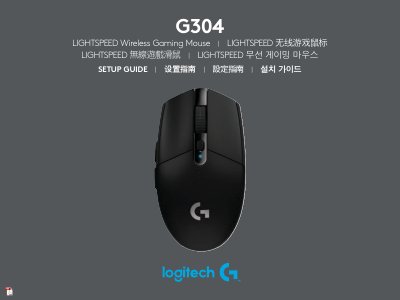
Logitech G304 LIGHTSPEED Wireless Gaming Mouse Setup Guide
This document is the setup guide for the Logitech G304 LIGHTSPEED wireless gaming mouse. It provides multilingual instructions for initial setup, including removing the battery cover, installing batteries, connecting the USB receiver, and powering on the device. The guide also offers tips for optimal wireless performance and battery life. This manual is written in Chinese.
Read onlineLogitech G304 specifications
| Wireless Range | up to 10 meters |
|---|---|
| Recommended Receiver Distance | within 20 cm of the mouse |
| DPI Settings | 400/800/1600/3200/6400 |
| Report Rate | 1ms |
Source: Logitech G304 LIGHTSPEED Wireless Gaming Mouse Setup Guide
All Logitech G304 documents by type
Day-to-day operation, settings and troubleshooting. Start here if the product is already set up.
Questions answered in these manuals
How do I install the battery?
Remove the battery cover by pressing the top of the cover and pulling it downwards, then insert the battery.
From: Logitech G304 LIGHTSPEED Wireless Gaming Mouse Setup Guide
How can I make the mouse lighter?
You can use a lithium AA battery, which is not included in the package.
From: Logitech G304 LIGHTSPEED Wireless Gaming Mouse Setup Guide
Do I need to charge the battery? If yes, than how? What does it mean 250 hour battery life?
One AAA battery is required. The 250-hour battery life refers to the operational duration under normal usage conditions.
What is the range?
Approximately 2 meters in Performance mode and nearly 5 meters in Regular/PowerSaver mode.