
Key facts
- Brand
- Logitech
- Model
- Harmony 600
- Industry
- Appliances
- Documents
- 2
- Languages
- RU · ES
- Last added
- 2026-10-12
Start here
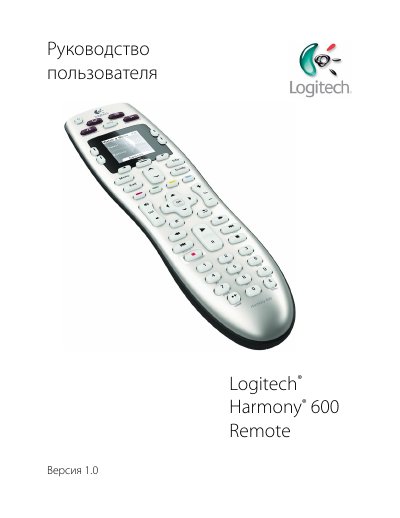
Logitech Harmony 600 User Manual
This document is the Russian version of the user manual for the Logitech Harmony 600 Remote. It serves as a guide to setting up and using the infrared remote control with home entertainment systems.
The manual explains how the Harmony 600 uses process-based automation and Smart State Technology to manage multiple devices like TVs, DVD players, and cable boxes. It details button functions, screen navigation, and provides step-by-step instructions for initial setup via computer software. This manual is written in Russian.
Logitech Harmony 600 specifications
| LCD screen size | 4 cm (diagonal) |
|---|---|
| LCD resolution | 128 x 128 pixels |
| Battery type | AA Alkaline |
| Supported device brands | 5,000+ |
| Maximum devices per account | 5 |
| IR learning frequency | up to 200 kHz |
| Flash memory capacity | 2 MB |
| Weight (with battery) | 170.10 g |
| Dimensions | 22.2 x 5 x 3.3 cm |
Source: Logitech Harmony 600 User Manual
All Logitech Harmony 600 documents by type
Day-to-day operation, settings and troubleshooting. Start here if the product is already set up.
Questions answered in these manuals
How many devices can the Harmony 600 control?
The Harmony 600 can be configured to remotely control at least 5 devices.
What technology does the remote use?
The Harmony 600 is an infrared remote control that uses process-based automation.
How do you turn off all devices in the current activity?
Press the All Off button, which powers down every device used in the activity.
What batteries does the Harmony 600 require?
It uses AA alkaline batteries.