
Key facts
- Brand
- Logitech
- Model
- G402 Hyperion Fury
- Category
- Mouse keyboard
- Documents
- 2
- Languages
- EN
- Last added
- 2023-11-05
Start here
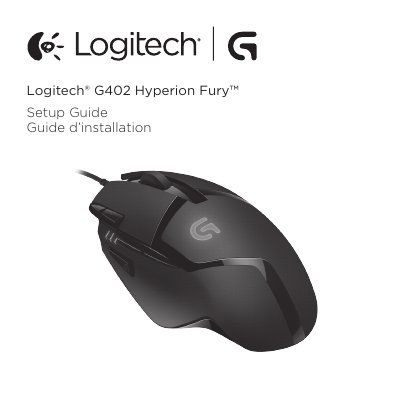
Logitech G402 Hyperion Fury Mouse Quick Start Guide
The Logitech G402 Hyperion Fury is ready to play games and features eight fully programmable buttons. Default settings include DPI values of 400, 800, 1600, and 3200, a DPI Shift Value of 400, USB Report Rate of 1000/sec (1ms), and logo lighting on with a breathing effect.
Users can customize button functions, DPI values, USB report rate, and logo lighting style using the optional Logitech Gaming Software, available for download at www.logitech.com/support/g402hyperionfury. Settings can be stored in the mouse's onboard memory, and the software supports automatic game detection.
Logitech G402 Hyperion Fury specifications
| Programmable buttons | 8 |
|---|---|
| DPI values | 400/800/1600/3200 |
| DPI shift value | 400 |
| USB report rate | 1000/sec (1ms) |
| Logo lighting | On, with breathing effect |
All Logitech G402 Hyperion Fury documents by type
Day-to-day operation, settings and troubleshooting. Start here if the product is already set up.
The shortest path to a working setup, usually only a few pages.
Questions answered in these manuals
How many programmable buttons does the Logitech G402 Hyperion Fury have?
It has eight fully programmable buttons.
What are the default DPI values?
The default DPI values are 400, 800, 1600, and 3200.
How many programmable buttons does the G402 Hyperion Fury have?
It has eight fully programmable buttons.
What are the default DPI values?
The default DPI values are 400, 800, 1600, and 3200.