
Key facts
- Brand
- Logitech
- Model
- T651
- Category
- Other Computer Accessories
- Documents
- 2
- Languages
- EN
- Last added
- 2023-11-11
Start here
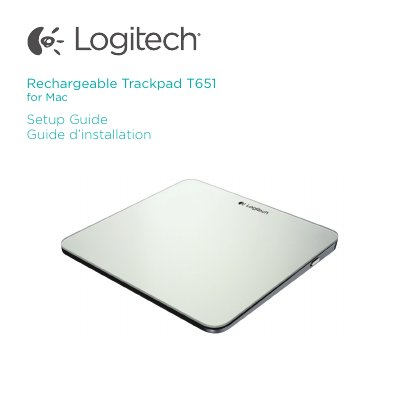
Logitech Rechargeable Trackpad T651 Setup Guide
The Logitech Rechargeable Trackpad T651 is a Bluetooth trackpad for Mac. This setup guide identifies the parts of the product — trackpad surface, status light, On/Off switch, Bluetooth connect button, Micro-USB port and Micro-USB charging cable — and walks through turning it on, pairing it with a Mac through System Preferences > Bluetooth, and downloading the Logitech software for the full set of gestures.
It also explains battery charging and what the status light colors mean, lists trackpad gestures such as one-finger click, two-finger scroll, two-finger pinch and three-finger swipe, and gives troubleshooting steps when the trackpad is not working. Support web links and regional phone numbers are included.
Logitech T651 specifications
| Battery life | Up to one month with about two hours of use per day |
|---|---|
| Charging time | 1 to 3 hours |
| Connection | Bluetooth |
| Charging port | Micro-USB |
Source: Logitech Rechargeable Trackpad T651 for Mac Setup Guide
All Logitech T651 documents by type
Day-to-day operation, settings and troubleshooting. Start here if the product is already set up.
The shortest path to a working setup, usually only a few pages.
Questions answered in these manuals
How do I pair the Logitech T651 with my Mac?
Turn on the trackpad, go to System Preferences > Bluetooth, click the “Setup new device” (+) button, choose “Logitech T651” from the device list, and click “Continue.”
From: Logitech Rechargeable Trackpad T651 for Mac Setup Guide
How long does a charge last?
A three-hour charge provides up to a month of battery power if you use the trackpad about two hours a day.
From: Logitech Rechargeable Trackpad T651 for Mac Setup Guide
How do I pair the Logitech T651 with my Mac?
Turn on the trackpad so the status light blinks blue, then go to System Preferences > Bluetooth, click the "Setup new device" (+) button and choose "Logitech T651" from the device list.
How long does the trackpad battery last?
A three-hour charge provides up to a month of battery power if the trackpad is used about two hours a day.