
Key facts
- Brand
- Logitech
- Model
- MK240
- Category
- Other Computer Accessories
- Documents
- 3
- Languages
- EN
- Last added
- 2026-10-28
Start here
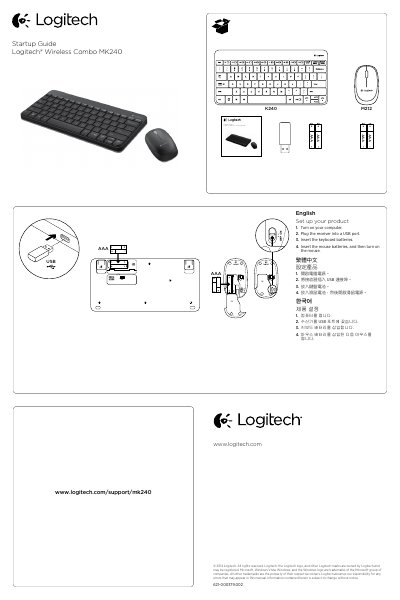
Logitech MK240 Wireless Combo Quick Start Guide
This Logitech startup guide explains how to set up the Wireless Combo MK240, including the K240 keyboard and M212 mouse. Users turn on the computer, plug the receiver into a USB port, insert batteries, and turn on the mouse.
The document also lists keyboard F-key functions accessed with the Fn key, describes mouse buttons and the scroll wheel middle button, provides troubleshooting steps for devices that are not working, and directs users to online support at www.logitech.com/support/mk240.
All Logitech MK240 documents by type
Day-to-day operation, settings and troubleshooting. Start here if the product is already set up.
The shortest path to a working setup, usually only a few pages.
Questions answered in these manuals
How do I set up the Logitech MK240?
Turn on your computer, plug the receiver into a USB port, insert the keyboard batteries, and then insert the mouse batteries before turning it on.
What does Fn + F5 do?
Pressing Fn + F5 launches the media player.
How do I set up the Logitech MK240?
Turn on the computer, plug the receiver into a USB port, insert the keyboard batteries, insert the mouse batteries, and turn on the mouse.
What are the keyboard F-key functions?
Hold the Fn key and press an F-key to launch the browser, email, search, calculator, media player, or control media and volume.
How do I use the F-keys on the keyboard?
To use the F-keys, press and hold the Fn key, and then press an F-key.
What happens when I press the middle button on the mouse?
Pressing down on the scroll wheel activates the middle button function, which may vary by application.