
This is the quick start guide for Logitech® HD Pro Webcam C920, which introduces the product's features and characteristics
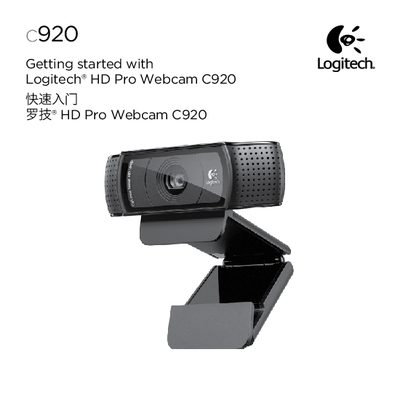
This guide helps you get your Logitech C920 webcam up and running quickly. It explains how to place the webcam on a monitor, desktop, or tripod, and shows how to install the Logitech Webcam Software and optional Logitech Vid HD software.
It also walks you through creating a Vid HD account, adding friends, and making test calls, plus provides an overview of the webcam software’s features such as picture/video capture, motion‑triggered recording, and basic video‑calling settings.
| Lens | Carl Zeiss autofocus HD 1080p |
|---|---|
| Microphone | Built‑in |
| Activity light | LED indicator |
| Mounting | Flexible clip/base with tripod attachment |
Visit www.logitech.com/LWS, select your operating system, download the LWS file, and run it; you can also plug the webcam into a USB port on Windows 7 to trigger automatic download.
Use the Practice Call tile in the Logitech Vid HD application to test your webcam and audio settings.