
This document provides instructions for using JVC product KD-G126/KD-G125, including resetting the device and forcibly ejecting a disc.
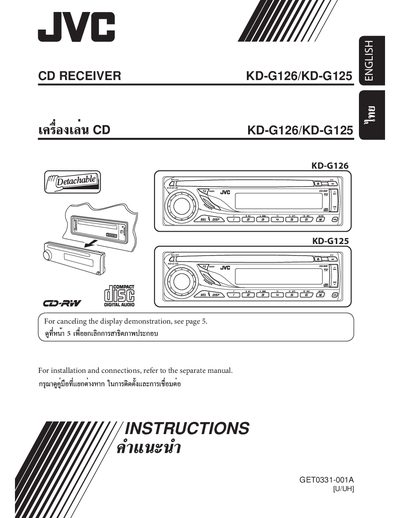
This manual provides step‑by‑step instructions for operating the JVC KD‑G126/KD‑G125 CD receiver, including power‑on procedures, basic controls, radio tuning, disc playback, and sound‑adjustment settings. Safety warnings for the built‑in laser and vehicle use are highlighted.
Installation guidance covers electrical connections, wiring harness routing, and optional external amplifier or subwoofer hookup, followed by a troubleshooting section for common issues such as fuse blows, no sound, or distorted audio.
| Volume range | 0‑30 or 0‑50 |
|---|---|
| Bass adjustment range | -6 to +6 |
| Treble adjustment range | -6 to +6 |
| Subwoofer output level | 0‑8 |
| Fader (front‑rear balance) range | -6 to +6 |
| Speaker balance range | -6 to +6 |
Select “DEMO,” then “DEMO OFF.”
Press and hold the disc lock button to lock the disc; repeat the procedure to unlock.