
The JVC KD-G126/KD-G125 CD Receiver User Manual provides operating instructions, settings, maintenance and troubleshooting for the car CD player.
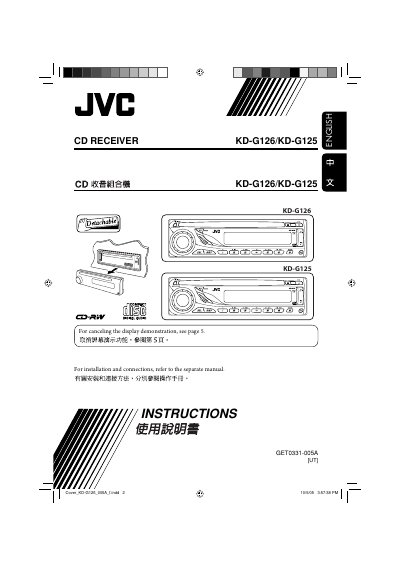
This manual covers all aspects of using the JVC KD-G126/KD-G125 CD Receiver, including control panel functions, basic operation, radio and disc handling, sound adjustments, and preferred setting mode (PSM). It also includes safety warnings, maintenance tips, and a specifications sheet.
The guide explains how to reset the unit, cancel display demonstrations, and properly clean connectors, ensuring reliable performance in automotive environments.
| Dimensions | 182 mm × 52 mm × 150 mm |
|---|---|
| Power output | 50 W RMS |
Press the reset button; the unit will reset, erase preset adjustments and eject any loaded disc.
Select DEMO, then choose DEMO OFF to cancel the display demo.
Periodically wipe the connectors with a cotton swab or cloth moistened with alcohol.