
Advanced user guide for the JVC GZ-HD620 camcorder covering connections, recording, playback, file management, menu settings, and troubleshooting.
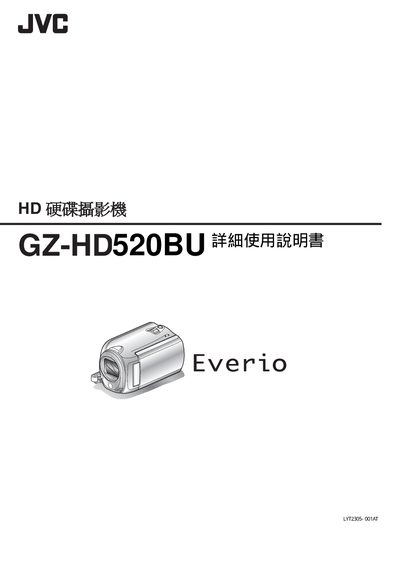
This document serves as an advanced operation manual for the JVC GZ-HD620 HD Camcorder. It provides detailed instructions on connecting the device via HDMI, component, or AV cables, managing files on the HDD and memory card, and utilizing specific features like face detection autofocus and YouTube format recording.
The guide also covers extensive menu settings for video and photo modes, including scene selection, white balance, and image quality adjustments. Additionally, it includes a beginner's section with shooting tips, preparation steps such as battery charging and tripod installation, and troubleshooting advice for common issues. This manual is written in Chinese.
| Power Supply Support | 100 V to 240 V |
|---|---|
| Document Reference Number | LYT2210-029A |
The JVC AC adapter supports a voltage range of 100 V to 240 V.
Yes, the camcorder supports recording videos in YouTube format.