
HP Color LaserJet 2820/2830/2840 is an all-in-one printer, copier, scanner, and fax from HP.
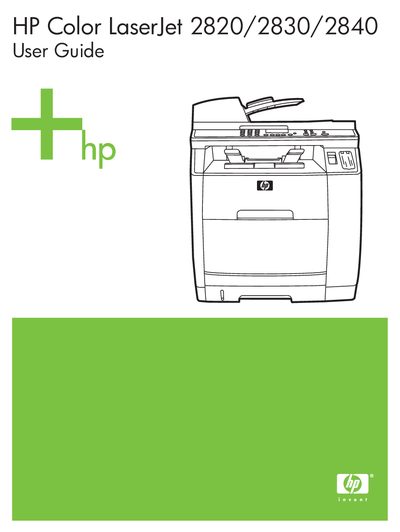
This guide covers the installation, configuration, and daily use of the HP Color LaserJet 2820/2830/2840 all‑in‑one printer. It includes information on loading paper, installing cartridges, connecting to a network, and using the scanning functions.
Additional sections address FCC compliance, telephone line connections, warranty and service contacts, and self‑repair procedures. The manual also lists web‑based support resources and provides troubleshooting tips for common issues.
| Part number | Q3948-90901 |
|---|---|
| Edition date | 12/2004 |
| USOC jack | RJ11C |
It complies with the limits for a Class B digital device under Part 15 of the FCC rules.
The printer uses the RJ11C USOC jack for telephone connections.
Drivers and software can be downloaded from HP’s website via the World Wide Web link provided in the guide.