
The document provides information about the features and characteristics of the HP Color LaserJet 2820/2830/2840 all-in-one printer.
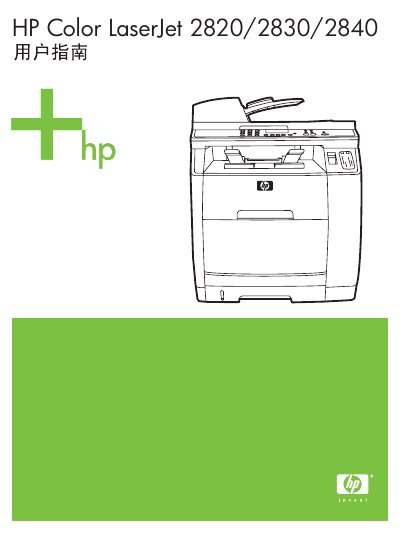
This guide provides detailed information on the HP Color LaserJet 2820, 2830, and 2840 all‑in‑one devices, including basic specifications, hardware layout, and supported media. It also explains how to install drivers, use the HP Toolbox, and access web‑based support tools.
The manual covers everyday tasks such as printing, copying, scanning, and faxing, with instructions for configuring paper trays, adjusting print settings, and troubleshooting common issues. Media specifications, recommended paper weights, and telephone line requirements are also included. This manual is written in Chinese.
| Recommended paper weight | 75‑90 g/m² (20‑24 lb) |
|---|---|
| Minimum supported media size | 76 × 127 mm (3 × 5 in) |
| Maximum supported media size | 216 × 356 mm (8.5 × 14 in) |
The device uses an RJ11C USOC jack for telephone line connection.
Use regular copy paper weighing 75 to 90 g/m² (20 to 24 lb).