
This manual introduces the basic information of the HP LaserJet M9040/M9050 MFP, including product appearance illustrations, control panel usage methods, Windows software installation, and using the product for Macintosh.
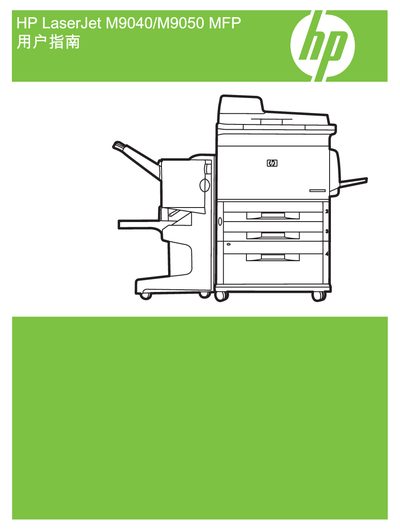
This manual covers the installation and configuration of the HP LaserJet M9040/M9050 MFP, including driver installation for Windows, network setup, and use of HP Web Jetadmin for management. It also describes the HP Easy Printer Care program and the HP Printer Utility that help maintain print quality and troubleshoot common issues.
Additional sections provide copyright information, ENERGY STAR certification details, and reference numbers such as PBS: CC395-90947. The document is organized with clear headings for each functional area, making it easy for users and service technicians to locate the needed information.
The manual shows a copyright year of 2008.
Yes, the manual includes the ENERGY STAR® logo indicating certification.