
The HP Deskjet Ink Advantage 4615/4625 user manual provides setup, printing, scanning, copying, fax, ePrint, and troubleshooting instructions.
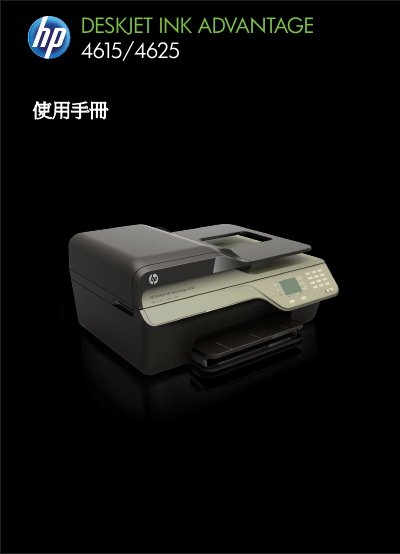
This manual covers everything needed to get the HP Deskjet Ink Advantage 4615/4625 All‑in‑One printer up and running, including safety guidelines, accessibility features, and detailed steps for preparing the device. It explains how to load paper, install ink cartridges, and configure basic printer settings.
Further sections guide users through printing, scanning, copying, faxing, and using HP ePrint, as well as maintenance tasks such as cleaning the scanner glass and troubleshooting common issues like paper jams, slow printing, or wireless connectivity problems. This manual is written in Chinese.
Use a soft, lint‑free cloth to wipe the scanner glass as described in the "清潔掃描器玻璃板" section.