
The HP Deskjet Ink Advantage 4615/4625 All-in-One user guide provides setup, printing, scanning, copying, fax and maintenance instructions.
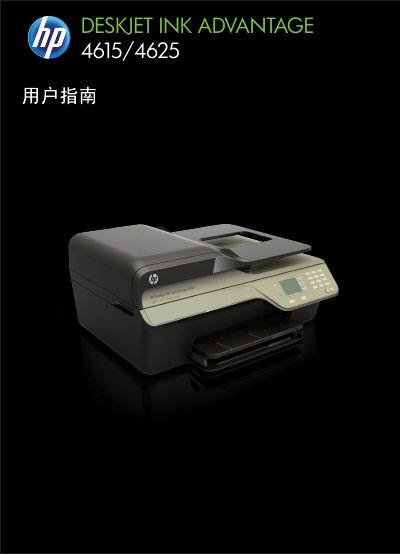
This guide covers everything you need to start using the HP Deskjet Ink Advantage 4615/4625 All-in-One printer. It includes safety information, an overview of the printer’s controls, and step‑by‑step instructions for loading media, printing documents, photos, booklets, and envelopes on both Windows and macOS.
The manual also explains how to scan, copy, and fax, set up HP ePrint and wireless networking, replace ink cartridges, perform routine maintenance, and troubleshoot common problems such as paper jams, print quality issues, and connectivity errors. This manual is written in Chinese.
Open the print queue, cancel all jobs, restart the computer, and then try printing again. Also verify that the printer’s power cable is securely connected and that the HP software is correctly installed.