
Key facts
Start here
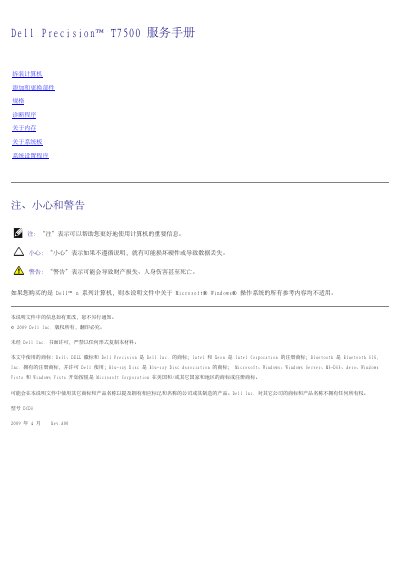
Dell Precision T7500 Service Manual
The document is a service manual for the Dell Precision T7500 workstation. It details safety precautions, required tools, and step-by-step procedures for removing the system cover and disconnecting power before performing internal maintenance.
The guide covers the removal and installation of various components including memory modules, hard drives, optical drives, processors, fans, and expansion cards. It also includes a section on running Dell Diagnostics to verify computer functionality after repairs. This manual is written in Chinese.
Dell Precision T7500 specifications
| Processor Type | Dual-core Intel Xeon Processor 5500 Series / Quad-core Intel Xeon Processor 5500 Series |
|---|---|
| Chipset | Intel 5500/5520 |
| Memory Type | DDR3 1066 MHz SDRAM / DDR3 1333 MHz SDRAM |
| Maximum Memory | 96 GB / 192 GB with optional riser card |
| Power Supply Power | 1100 W |
| Height | 56.50 cm (22.25 inches) |
All Dell Precision T7500 documents by type
Disassembly, diagnostics and part numbers, for repair.
Questions answered in these manuals
What tools are recommended for disassembling the computer?
The manual recommends using a small flathead screwdriver, a Phillips screwdriver, a small plastic spudger, and a BIOS update CD.
How do I verify the computer is working after replacing parts?
You should run Dell Diagnostics to check if the computer is functioning correctly.
What tools are recommended for internal maintenance?
The manual recommends a small flathead screwdriver, a Phillips screwdriver, a small pointed plastic instrument, and the Dell BIOS flash update CD.
Who is authorized to perform repairs on this workstation?
Only a certified Dell service technician should perform repairs on the equipment.
What memory types are supported?
The computer uses SDRAM DDR3 without buffer or ECC registered memory.
How many memory slots are there for a single processor?
There are six DIMM slots on the system board for a single processor configuration.