
The Dell™ Precision™ T7500 Workstation is a high-performance workstation designed to meet the needs of the most demanding professionals. It features Intel® Xeon® processors and NVIDIA® Quadro® graphics for exceptional performance and reliability.
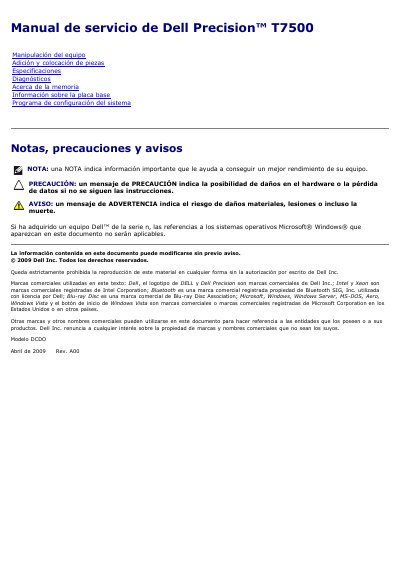
This document is the service manual for the Dell Precision T7500 workstation. It provides instructions for hardware handling, including safety precautions and recommended tools for internal manipulation. The guide details procedures for adding and placing components such as the battery, hard drive bays, memory, and expansion cards. This manual is written in Spanish.
| Processor Type | Intel Xeon series 5500 |
|---|---|
| Chipset | Intel 5500/5520 |
| Memory Type | SDRAM DDR3 1066 MHz |
| Maximum Memory | 96 GB |
| Expansion Slots | Two PCI Express 2.0 x16 |
| External Drives | Four 5.25-inch bays |
The manual recommends a small flathead screwdriver, a Phillips screwdriver, a small pointed plastic instrument, and the Dell BIOS flash update CD.
Only a certified Dell service technician should perform repairs on the equipment.