
Key facts
Start here
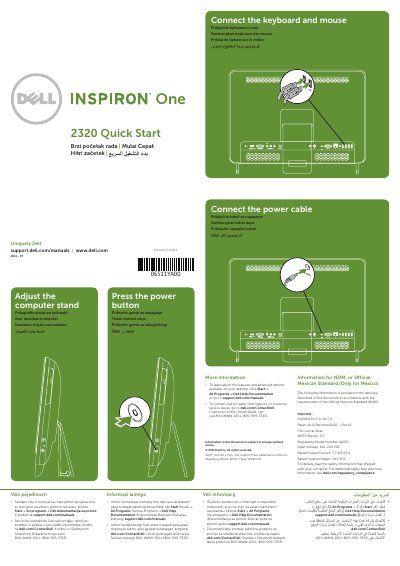
Dell Inspiron 3847 Desktop Quick Start Guide
This document serves as a Quick Start Guide for the Dell Inspiron 3847 desktop computer. It provides instructions on connecting peripherals such as the keyboard and mouse, and setting up the power cable. It also directs users to Dell support for additional safety information and advanced features.
Read onlineDell Inspiron 3847 specifications
| Regulatory Model Number | W03C |
|---|---|
| Type | W03C001 |
| Input Voltage | 100-240 VAC |
| Rated Output Current | 7.7 A/9.23 A |
| Rated Output Voltage | 19.5 VDC |
All Dell Inspiron 3847 documents by type
The shortest path to a working setup, usually only a few pages.
Disassembly, diagnostics and part numbers, for repair.
Questions answered in these manuals
Where can I find advanced options and features for my desktop?
Click Start→ All Programs→ Dell Help Documentation or go to support.dell.com/manuals.
How do I contact Dell for sales or technical support?
Visit dell.com/ContactDell or call 800-WWW-DELL (800-999-3355) for customers in the United States.
Should I use the @ symbol in my Windows password?
No, the @ symbol should not be used in the password.
Where can I find Dell Help Documentation on the computer?
Click Start, then All Programs, then Dell Help Documentation.
What tools are required for the procedures in this manual?
The procedures may require a Phillips screwdriver and a plastic scribe.
How do I enter the Service Tag in the BIOS after replacing the system board?
Turn on the computer, press <F2> when the DELL logo is displayed to enter System Setup, navigate to the main tab, and enter the Service Tag in the Service Tag Input field.