
Key facts
Start here
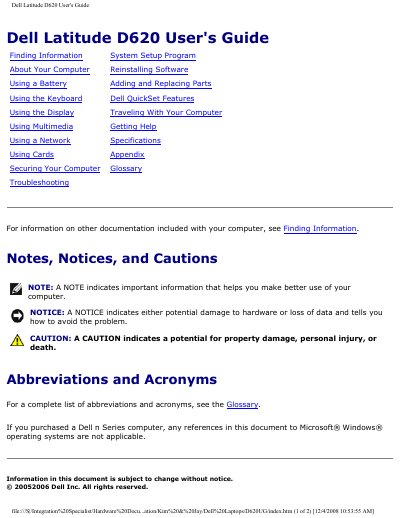
Dell Latitude D620 User's Guide
This guide covers everything you need to know to get started with the Dell Latitude D620 notebook, including system setup, hardware configuration, and software installation. It explains how to use the keyboard, display, battery, multimedia features, and network connectivity, and provides detailed troubleshooting steps for common issues.
The document also contains a full specifications section that lists the processor options, memory capacities, ports, and other hardware details, as well as safety and regulatory information. It serves both end‑users and technicians who need to maintain or repair the laptop.
Dell Latitude D620 specifications
| Processor types | Intel® Core™ Solo and Intel Core Duo |
|---|---|
| L1 cache | 64 KB |
| L2 cache | 2 MB |
| External bus frequency | 667 MHz |
| System chipset | Intel 945GM or 945PM |
| Maximum memory | 4 GB |
| Memory type | 533/667 MHz DDRII SDRAM |
| USB ports | Four USB 2.0‑compliant connectors |
| PC Card connector | One 80‑pin CardBus connector (supports Type I or II) |
Source: Dell Latitude D620 User's Guide
All Dell Latitude D620 documents by type
Day-to-day operation, settings and troubleshooting. Start here if the product is already set up.
Disassembly, diagnostics and part numbers, for repair.
Questions answered in these manuals
How do you flash the BIOS on a Dell Latitude D620?
You can flash the BIOS from a CD or from the hard drive; both methods require the AC adapter plugged in and the main battery installed.
How do I turn off the computer before servicing it?
Save and close any open files, exit any open programs, and click Start, Shut Down, Shut down; if it does not turn off automatically, press and hold the power button for 4 seconds.
How do I enter the System Setup program?
Turn on the computer and press <F2> immediately when the Dell logo appears.
What type of processor does the Latitude D620 use?
It supports Intel® Core™ Solo and Intel Core Duo processors.