
The Dell Quick Start Guide introduces how to use Dell computers.
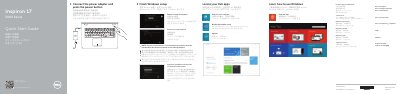
This Dell Quick Start Guide helps set up the Inspiron 17-5748 and Inspiron 17-5749 computers. It covers finishing Windows setup, locating Dell apps, registering the computer, using Dell Backup and Recovery, enabling security and updates, connecting to a network, and signing in to a Microsoft account.
The guide also explains how to connect the power adapter, contact Dell support, and find regulatory information. Page 2 lists shortcut keys and features including the camera, USB ports, HDMI port, media-card reader, optical drive, and power button.
| Series | Inspiron 17 5000 Series |
|---|
It covers the Inspiron 17-5748 and Inspiron 17-5749.
Use the Turn off/on wireless function.