
Key facts
- Brand
- Cisco
- Model
- WRP500
- Category
- Router
- Industry
- Electronics
- Documents
- 2
- Languages
- EN
- Last added
- 2026-11-23
Start here
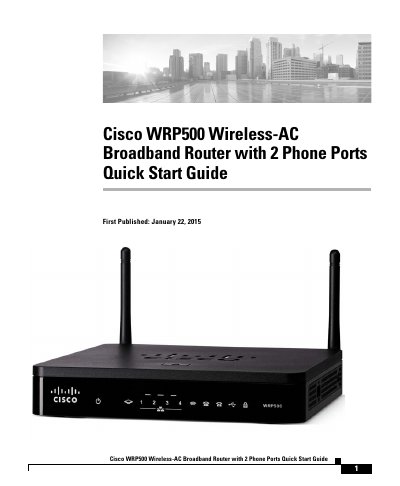
Cisco WRP500 Wireless-AC Broadband Router with 2 Phone Ports Quick Start Guide
The Cisco WRP500 is a networking solution that combines telephone, wireless, and wired capabilities. This document describes how to physically install the router on a desktop or wall and how to set up a basic configuration. It includes information about the front and back panels, LED indicators, and installation options.
Read onlineCisco WRP500 specifications
| Product type | Wireless-AC Broadband Router |
|---|---|
| Phone ports | 2 |
| Adapter | Built-In Analog Telephone Adapter |
Source: Cisco WRP500 Wireless-AC Broadband Router Administration Guide
All Cisco WRP500 documents by type
Day-to-day operation, settings and troubleshooting. Start here if the product is already set up.
The shortest path to a working setup, usually only a few pages.
Questions answered in these manuals
What type of device is the Cisco WRP500?
It is a Wireless-AC Broadband Router with 2 phone ports and a built-in analog telephone adapter.
From: Cisco WRP500 Wireless-AC Broadband Router Administration Guide
When was the Cisco WRP500 Administration Guide published?
It was published on January 30, 2015 and revised on April 29, 2015.
From: Cisco WRP500 Wireless-AC Broadband Router Administration Guide
How do I reset the router to factory defaults?
Press and hold the Reset button for approximately ten seconds.
From: Cisco WRP500 Wireless-AC Broadband Router with 2 Phone Ports Quick Start Guide
What is the default login for the web GUI?
The default username is admin and the password is admin.
From: Cisco WRP500 Wireless-AC Broadband Router with 2 Phone Ports Quick Start Guide