
Key facts
- Brand
- Cisco
- Model
- CAD 10.0
- Category
- Other software
- Industry
- Software
- Documents
- 2
- Languages
- FR · ZH-TW
- Last added
- 2026-11-21
Start here
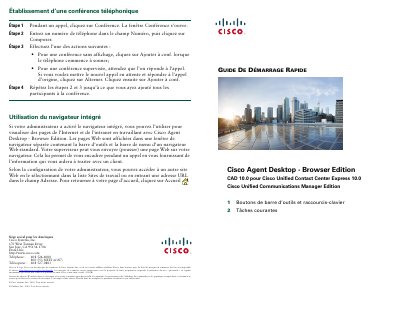
Cisco Agent Desktop Browser Edition CAD 10.0 Quick Start Guide
This quick start guide is for Cisco Agent Desktop - Browser Edition CAD 10.0, used with Cisco Unified Contact Center Express 10.0 and Cisco Unified Communications Manager. It is published by Cisco Systems, Inc. and Calabrio, Inc.
The document describes toolbar buttons and keyboard shortcuts for call handling, agent states, and navigation. It also explains common tasks such as changing agent state, using reason codes, entering after-call data, placing and transferring calls, setting up conference calls, and using the integrated browser. This manual is written in French.
All Cisco CAD 10.0 documents by type
The shortest path to a working setup, usually only a few pages.
Day-to-day operation, settings and troubleshooting. Start here if the product is already set up.
Questions answered in these manuals
How do I set up a conference call?
During a call, click Conference, enter a phone number in the Number field, and click Dial. Then click Add to conference for an unsupervised conference or wait for the call to be answered for a supervised conference.
From: Cisco Agent Desktop Browser Edition CAD 10.0 Quick Start Guide
How do I change my agent state?
Click the appropriate state button in the toolbar; buttons for invalid states are disabled, and the current state appears in the status bar.
From: Cisco Agent Desktop Browser Edition CAD 10.0 Quick Start Guide
What is the maximum number of tabs in the integrated browser?
The integrated browser can have up to 10 tabs.
Which features are Premium-only?
Features marked with an asterisk are Premium-only.