
This guide provides instructions for the physical installation, basic configuration, and initial setup of the Cisco WRP500 Wireless-AC Broadband Router.
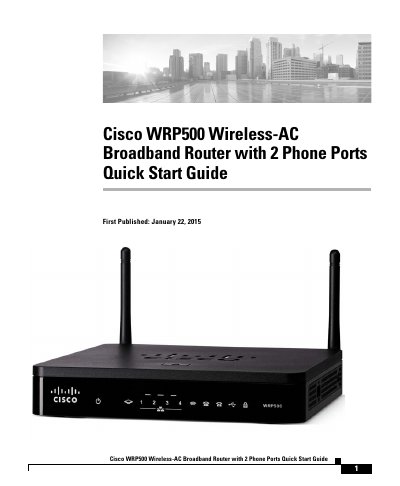
The Cisco WRP500 is a networking solution that combines telephone, wireless, and wired capabilities. This document describes how to physically install the router on a desktop or wall and how to set up a basic configuration. It includes information about the front and back panels, LED indicators, and installation options.
| Default IP Address | 192.168.15.1 |
|---|---|
| Default Username | admin |
| Default Password | admin |
| Maximum Ambient Temperature | 104°F (40°C) |
Press and hold the Reset button for approximately ten seconds.
The default username is admin and the password is admin.
Yes, you can install a compatible USB modem to use as a failover connection when the Ethernet connection is unavailable.