
Key facts
- Brand
- Cisco
- Model
- WAP125
- Category
- Other network devices
- Industry
- Electronics
- Documents
- 2
- Languages
- EN · ZH
- Last added
- 2026-11-21
Start here
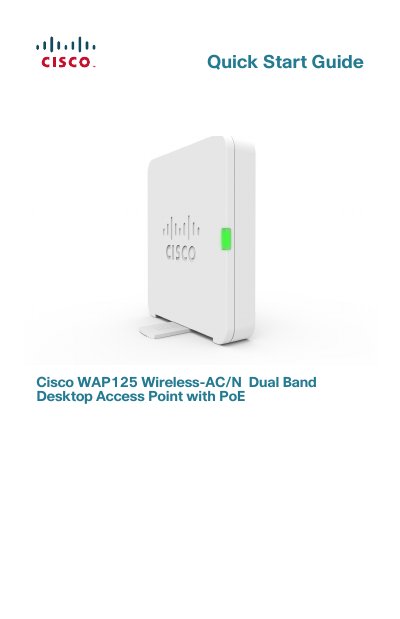
Cisco WAP125 Wireless-AC/N Dual Band Desktop Access Point Quick Start Guide
The Cisco WAP125 is an indoor concurrent dual-band radio 802.11ac and 802.11n access point featuring Power over Ethernet (PoE) capabilities. It is designed for desktop placement, supporting both horizontal and vertical orientations.
This guide provides instructions on hardware installation, connecting the device to a network via wired or wireless modes, and using the web-based Configuration Utility and Setup Wizard to finalize deployment.
Cisco WAP125 specifications
| Wireless Standards | 802.11ac and 802.11n |
|---|---|
| Ethernet Port | Gigabit Ethernet (802.3) |
| Power Input | PoE or 12V DC |
| Maximum Ambient Temperature | 104°F (40°C) |
Source: Cisco WAP125 Wireless-AC/N Dual Band Desktop Access Point Quick Start Guide
All Cisco WAP125 documents by type
The shortest path to a working setup, usually only a few pages.
Questions answered in these manuals
What are the default login credentials for the Cisco WAP125?
The default username is 'cisco' and the default password is 'cisco'.
From: Cisco WAP125 Wireless-AC/N Dual Band Desktop Access Point Quick Start Guide
What does a solid red POWER light indicate?
A solid red light means the device has failed to boot with both firmware images.
From: Cisco WAP125 Wireless-AC/N Dual Band Desktop Access Point Quick Start Guide
What is the default IP address of the Cisco WAP125?
The factory default IP configuration uses DHCP. If no DHCP reply is received within 60 seconds, the WAP125 falls back to the static IP address 192.168.1.245 with subnet mask 255.255.255.0.
From: Cisco WAP125 Wireless-AC/N Dual-Band Access Point Quick Start Guide
What are the default username and password?
The default username is cisco and the default password is cisco.
From: Cisco WAP125 Wireless-AC/N Dual-Band Access Point Quick Start Guide